Discover what's hiding on your hard drives.
ArchiveMind is a private, local-first catalogue and search system for large collections of files across computers, folders, and external drives. It runs on your machine, indexes what you point it at, and keeps even unplugged drives searchable.
Built on a few stubborn principles
Not an “AI file search app”. A catalogue you own, on hardware you own, honest about what it knows and what it doesn't.
Local-first, actually
Indexing and search run entirely on your computer. No account, no cloud service, no telemetry, no auto-update. The catalogue is a file on your disk.
Unplugged drives stay searchable
Catalogue an external drive once and keep searching it after you eject it. ArchiveMind tells you plainly that originals open again when the drive returns.
More than filenames
Metadata, extracted document text, image previews, duplicate relationships, audio waveforms — searchable together, ranked by relevance.
Knows where everything lives
Every result knows its source drive or folder and whether that source is connected right now. Your catalogue doubles as a map of what lives where.
One click to the real file
Reveal in Finder or Show in Explorer jumps from any result straight to the file on disk. ArchiveMind reads your files — it never moves, renames, or edits them.
Honest by design
Missing tool? Offline drive? Format the player can't decode? ArchiveMind says so, plainly — no fake previews, no invented metadata, no silent failure.
What it does
Real screenshots from a running copy — a demo library, so someone else's files aren't on display.
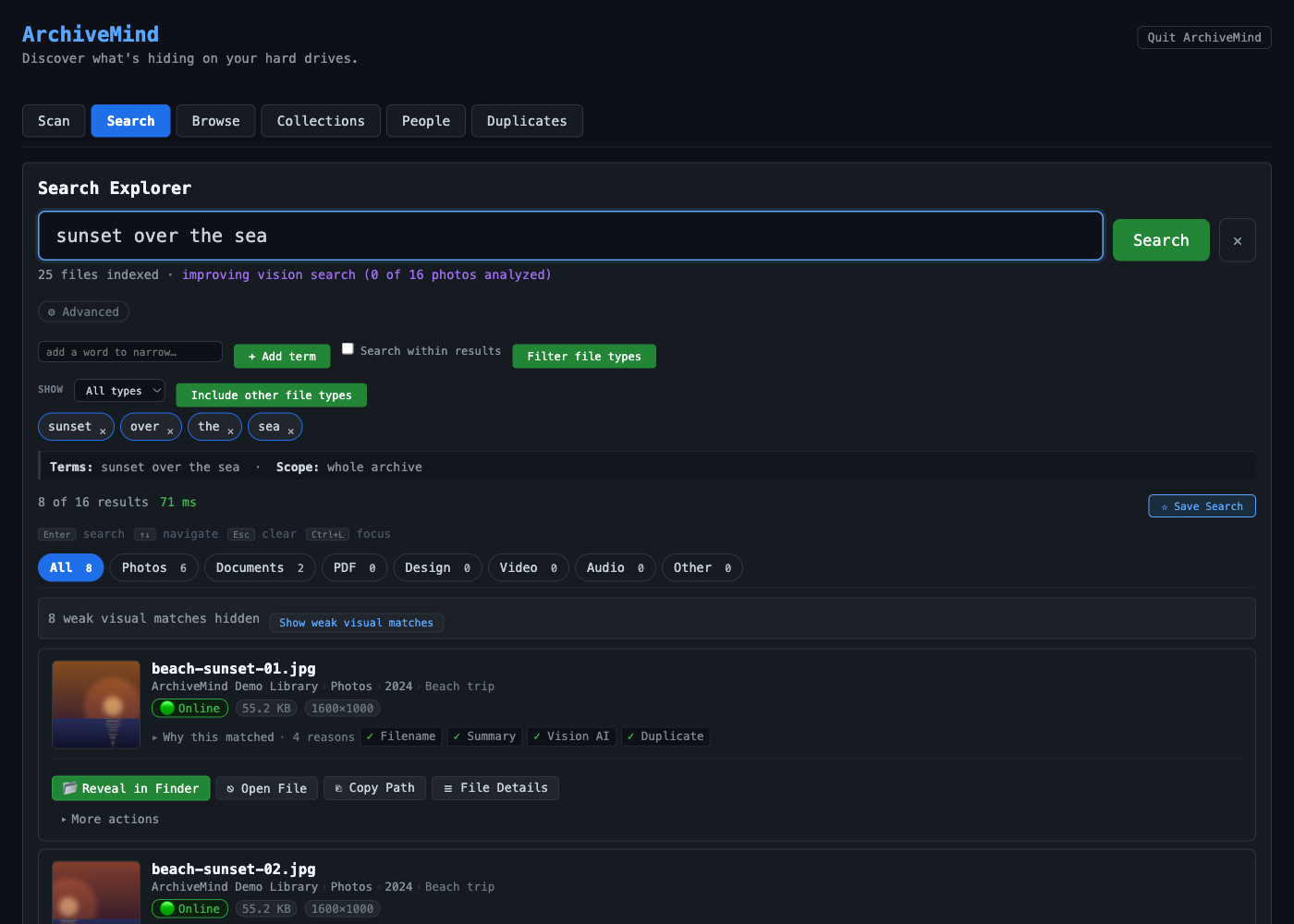
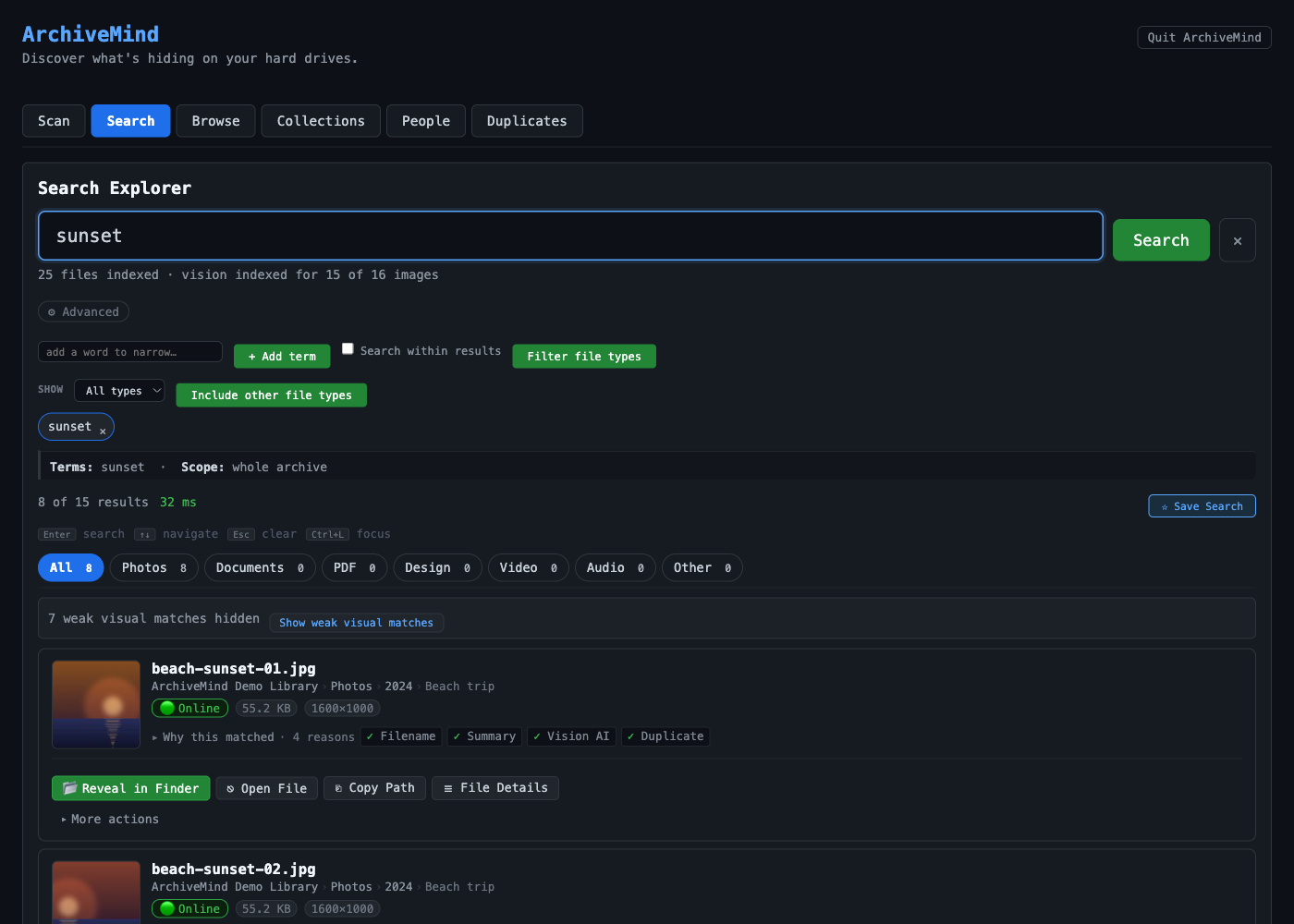
Find photos by describing them
“Beach sunset.” “Birthday party.” Visual search matches your words against what is in the picture — powered by an image-understanding model that ships inside the app and runs offline.
Regular search covers the rest: names, folders, metadata, and the text inside documents, with honest “why this matched” explanations on every result.
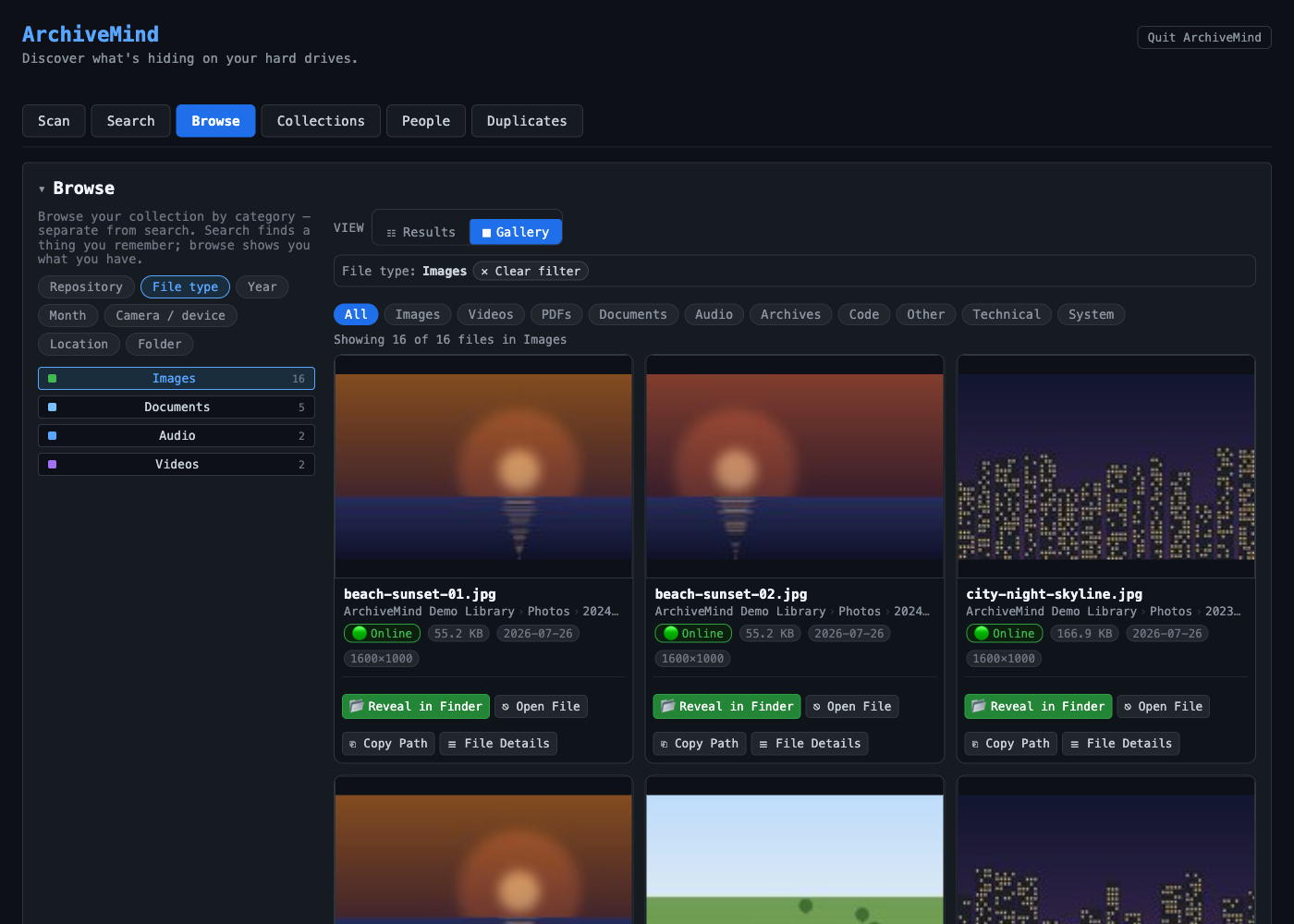
Browse what you have, not just what you remember
Slice the catalogue by file type, year, folder, camera, or location. Search finds a thing you remember; browse shows you what you own.
Duplicates, found by content
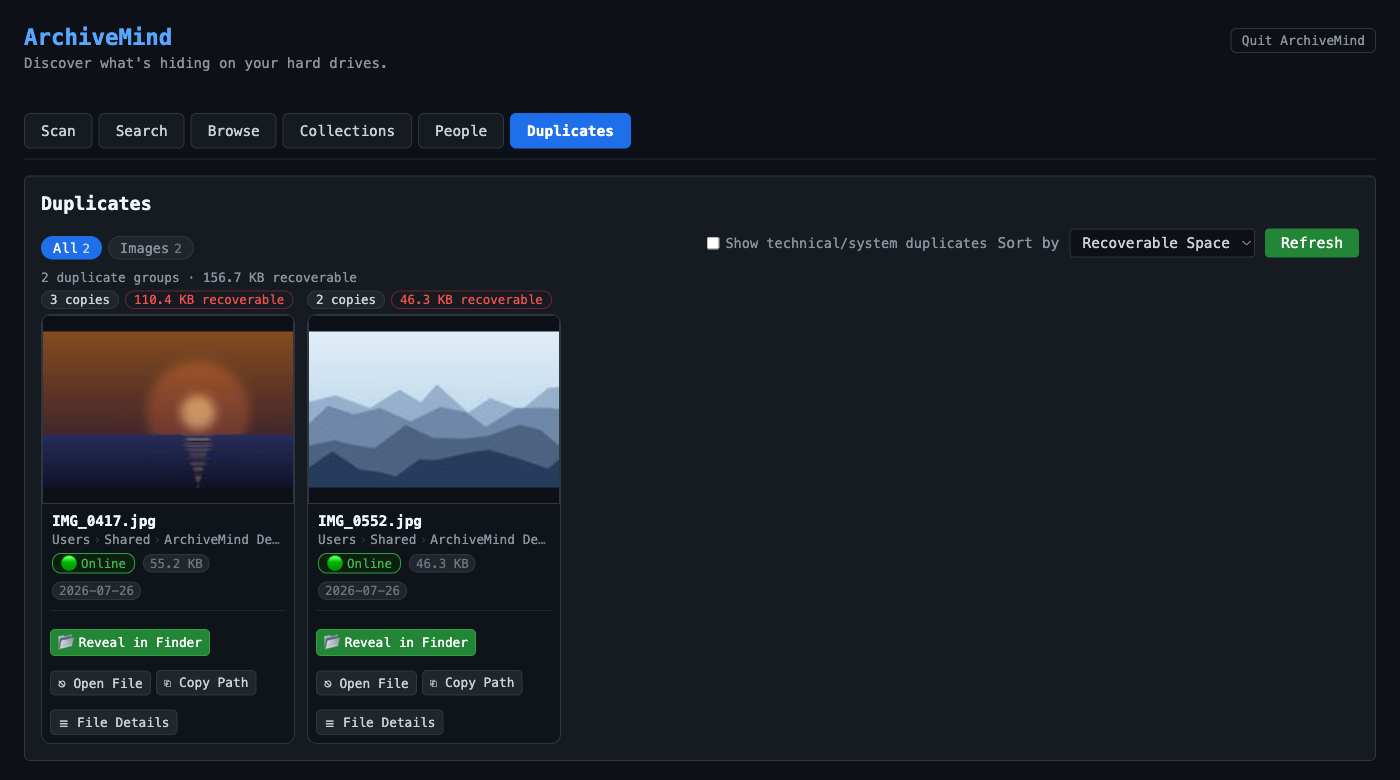
Files are fingerprinted during indexing, so identical copies are grouped even under different names, in different folders, on different drives — with the recoverable space added up. You decide what to do with them; ArchiveMind never deletes for you.
Media that shows itself
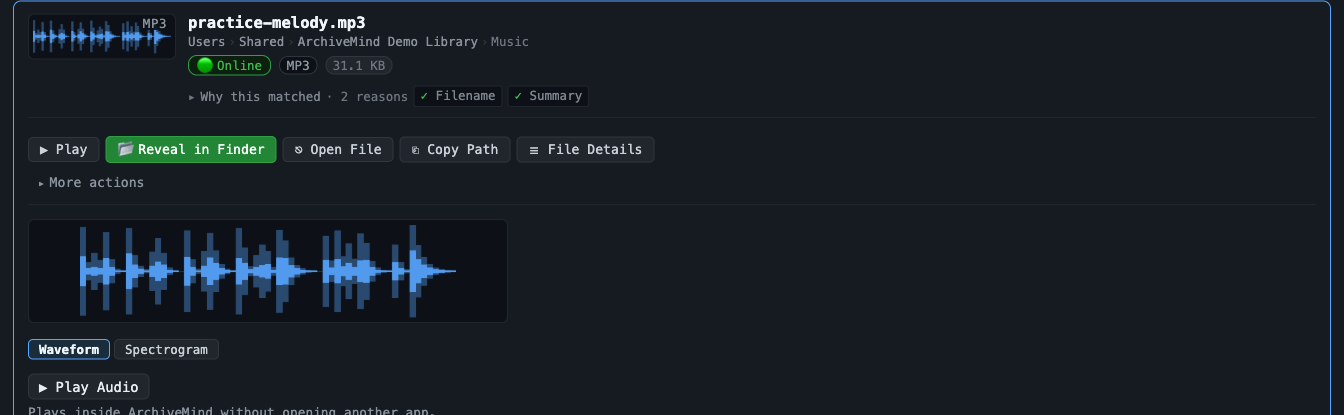
Audio files get real waveforms — click to seek, flip to a spectrogram. Videos get frame thumbnails. Playback happens right in the interface, one player at a time.
These previews use free optional tools; without them ArchiveMind simply — and honestly — lists them as unavailable. Nothing breaks.
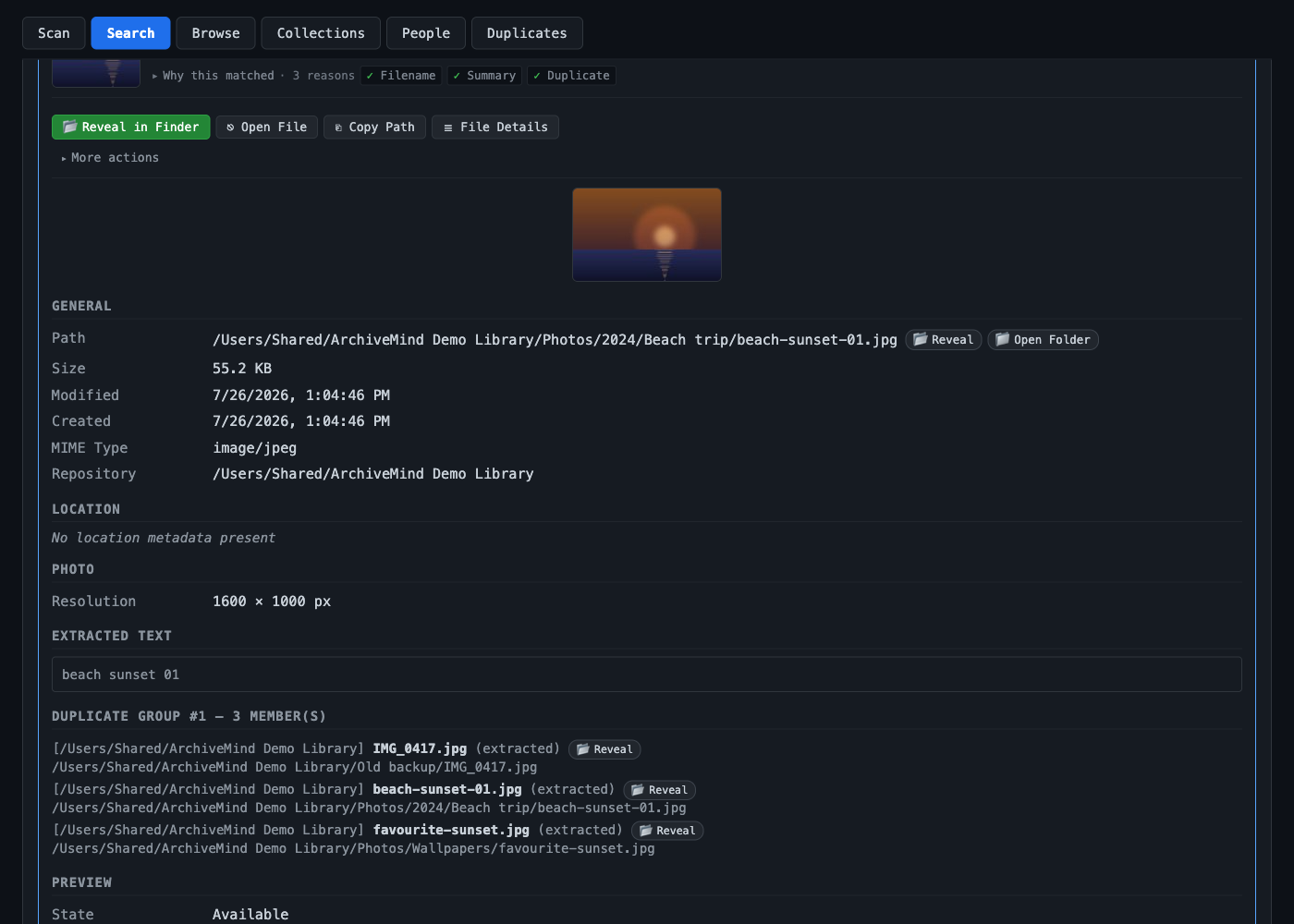
Everything it knows, in one place
Path, size, dates, camera details, extracted text, duplicate copies, source drive and its connection state — and honest blanks where the file offers no metadata, instead of invented values.
Private by architecture
Not a policy promise — a design property. The beta builds contain no telemetry code, no analytics, and no phone-home.
- Your files are indexed locally and never uploaded.
- Originals are never moved, renamed, or modified — ArchiveMind only reads them.
- No account. Nothing to sign in to, nowhere to sync to.
- No telemetry, no analytics, no auto-update.
- Works without internet access — including visual search, whose model ships inside the app.
- The catalogue is your file, on your disk — protect it, move it, delete it. Your call.
Honesty note: the catalogue stores derived data about your files — paths, metadata, extracted text, thumbnails — locally. That derived data is personal too; treat the catalogue like you treat the files it describes. ArchiveMind is a catalogue, not a backup: it can tell you what was on a lost drive, but it cannot restore the files.
Get ArchiveMind
Currently a private beta. Download links will appear here when public releases begin — until then, betas are shared directly with testers.
macOS — Apple silicon
Private beta availableA native arm64 ArchiveMind.app — same app, same bundled visual-search model, no Rosetta 2 needed.
Download — coming with public releasemacOS — Intel
Private beta availableA single ArchiveMind.app with the visual-search model bundled — fully offline.
Download — coming with public releaseWindows
Private beta available64-bit Windows 10/11. Portable folder — unzip and run, no installer yet.
Download — coming with public releaseEvery release ships with a SHA-256 checksum file. Both macOS builds — Apple silicon and Intel — are Developer ID signed and notarized by Apple, so they open with a plain double-click. The Windows build is not yet signed, so its first launch involves one extra documented step (SmartScreen's "More info → Run anyway").
Quick answers
Does ArchiveMind upload my files?
No. Indexing reads files locally and stores what it learned in your local catalogue. Nothing is uploaded.
Is it a backup tool?
No. The catalogue stores information about your files, not the files. Keep real backups separately.
Can it really search a drive that's unplugged?
Yes — that's the point. Once everything is indexed it stays searchable; the originals open again when the drive reconnects.
Why is the download so large?
Because the AI ships inside the app — the visual-search and face-recognition models are in the download. That's why everything works offline and your files never leave your computer. Cloud apps download small because your data does the traveling instead.
Who can read my catalogue?
Anyone who can use your computer account — and no one else. The catalogue is an ordinary database file on your own disk, kept readable by your account only and protected by your system's disk encryption. It is not separately encrypted: a copy of the file is readable, so protect it like the files it describes.
What file types are supported?
Every file is catalogued, fingerprinted, and duplicate-checked. Beyond that, each format gets the metadata, text, and preview treatment it supports — labelled honestly where it doesn't.
Help & support
The ArchiveMind help center covers installation, first steps, every feature, and honest troubleshooting. help.archivemind.app. Beta testers: use the channel through which you received your build.